Plan for free
Plan your camper before you cut.
Draw the floor plan, place the furniture and see everything in 3D right away. The simulation shows how long power, water and gas last, from the North Cape to the Sahara. At the end you get the build plan and travel book as a PDF.
Sign in with a Google account. Planning is free, no subscription.
The studio and the build plan are in German for now. More languages will follow.
- 38base vehicles
- 4destinations in the climate check
- PDFbuild plan with instructions for every piece of furniture
 3D live in the browser
01The studio
Everything on one screen
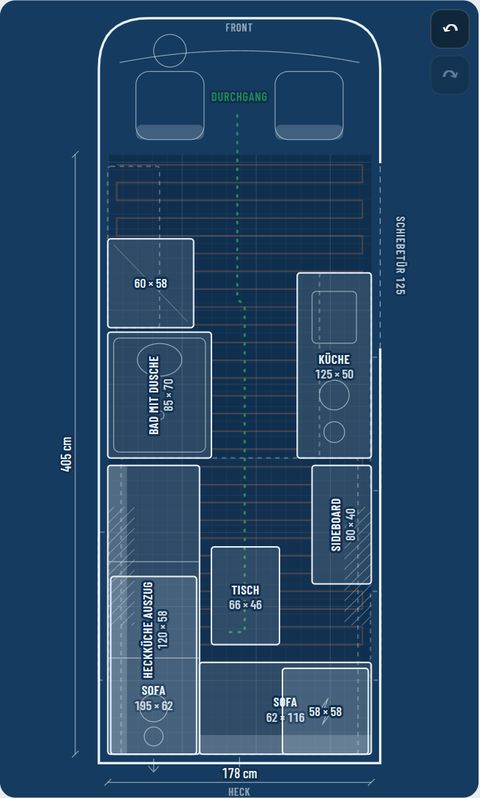
Pick a vehicle, draw the floor plan, place the furniture. The plan on the left, your camper in 3D on the right.
From compact van to 4×4
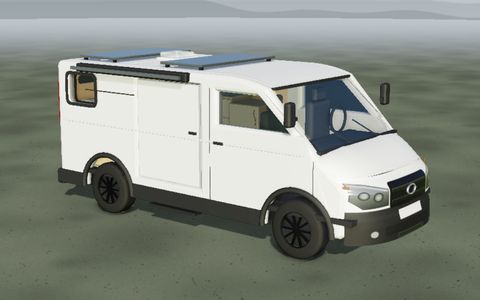
Compact van
6 models
Hybrid van
3 models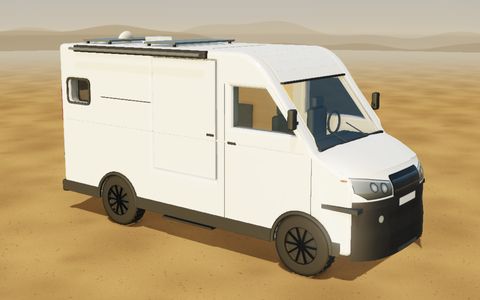
Offroad 4×4
5 models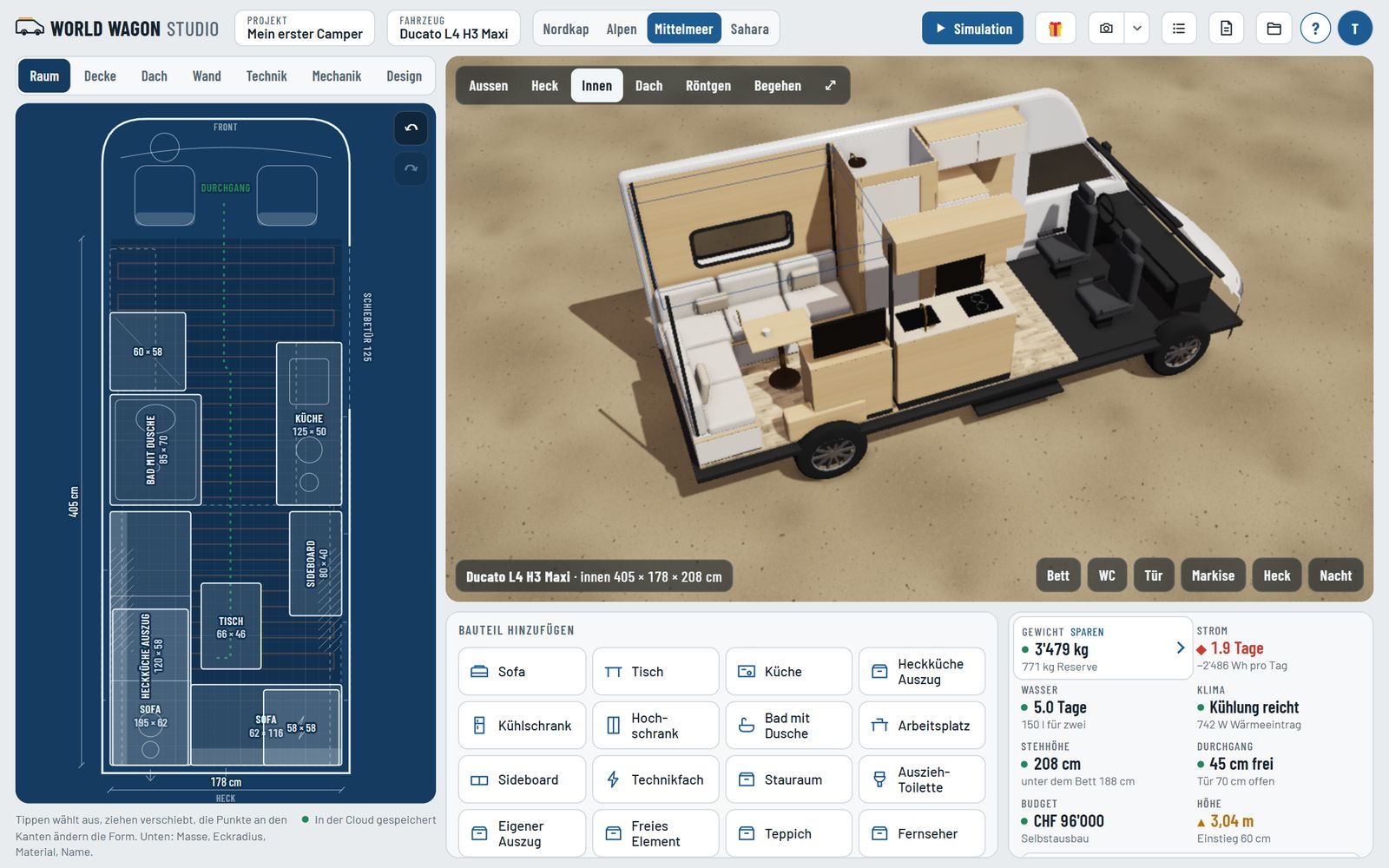
023D view
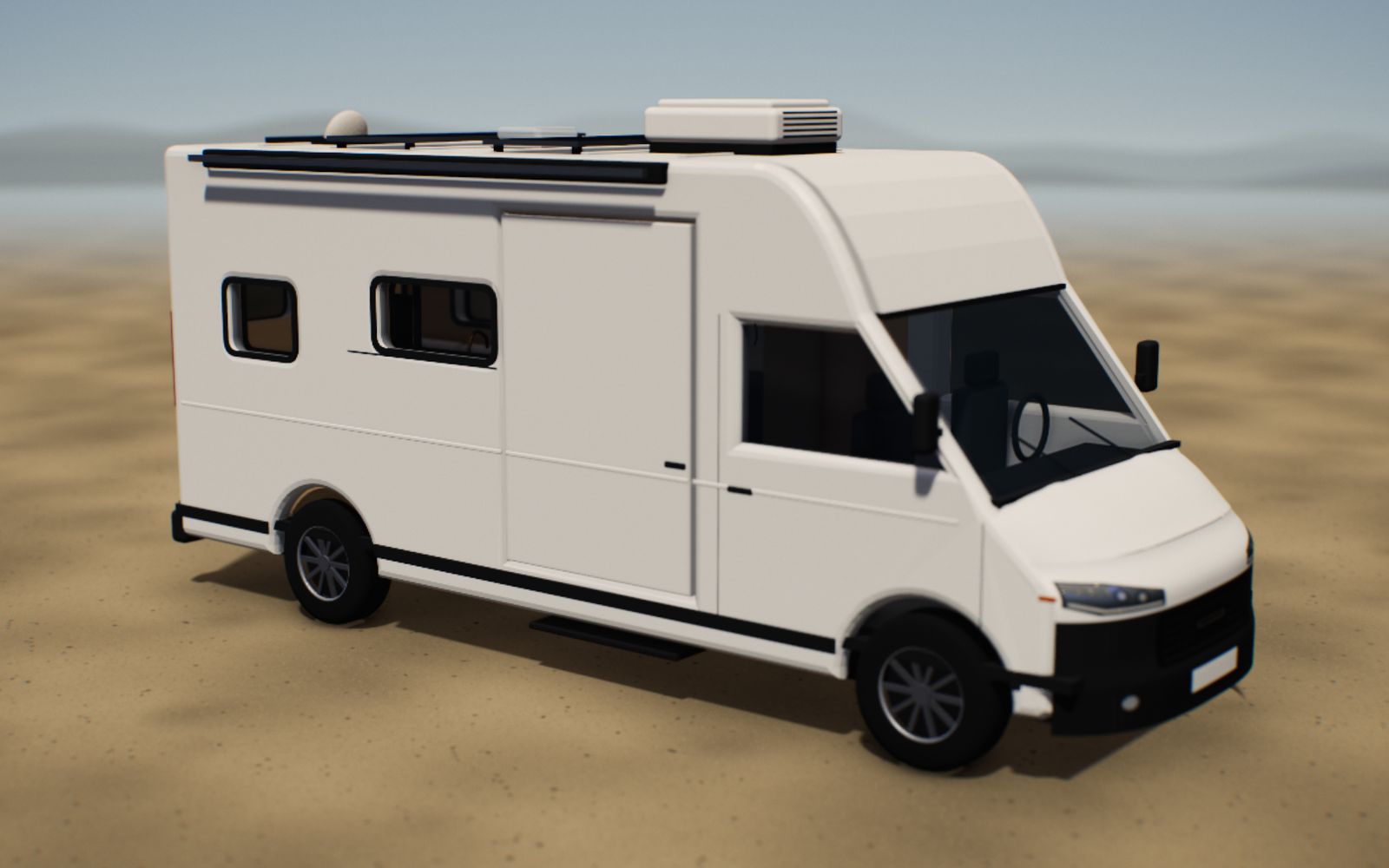
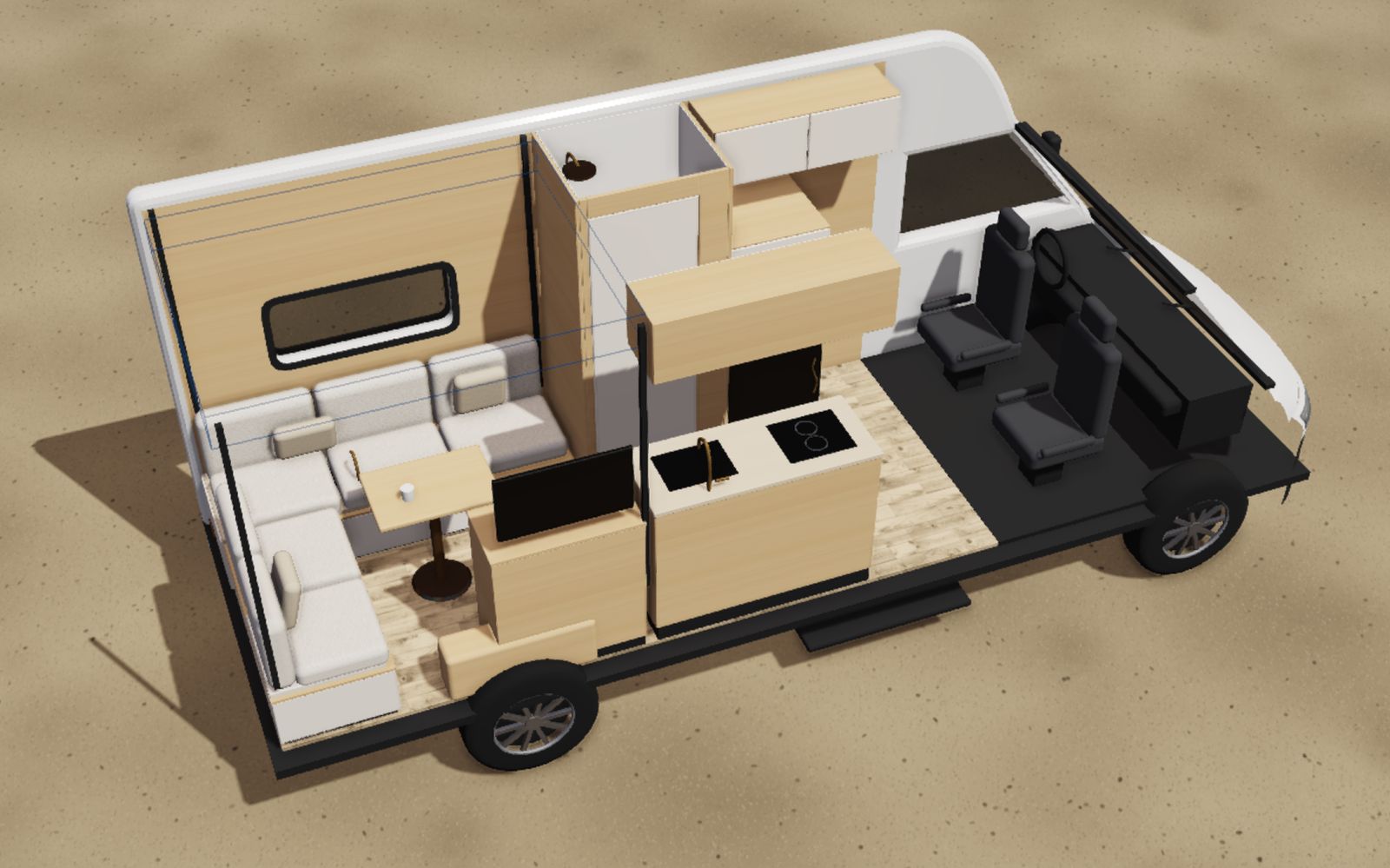
Every change in 3D, instantly
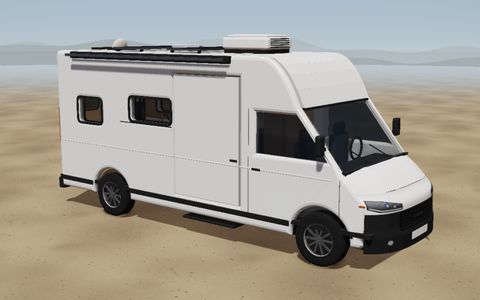
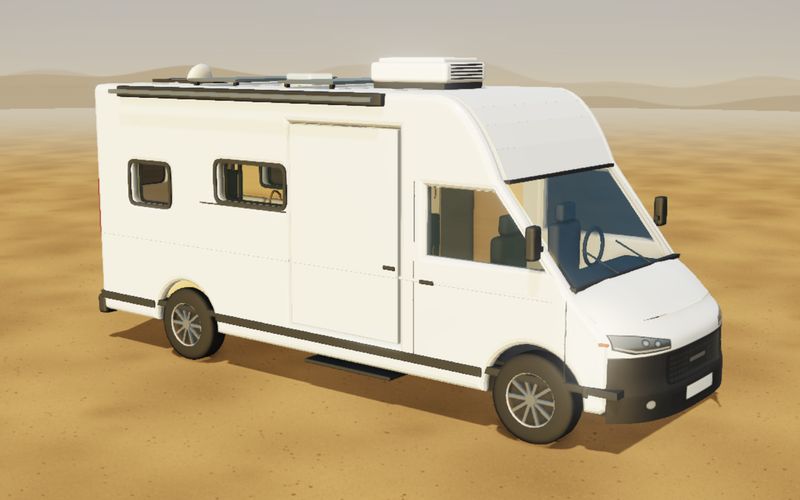
Outside, inside, from above or as an X-ray. Every image here comes straight from the studio.
03North Cape
−15 °CNew on board: insulation and heater
Where winter lives
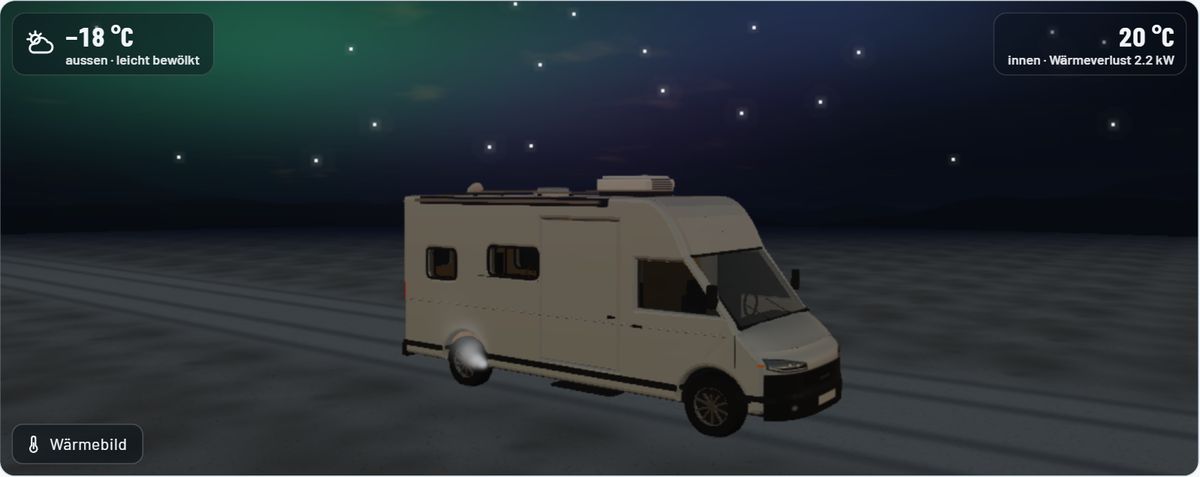
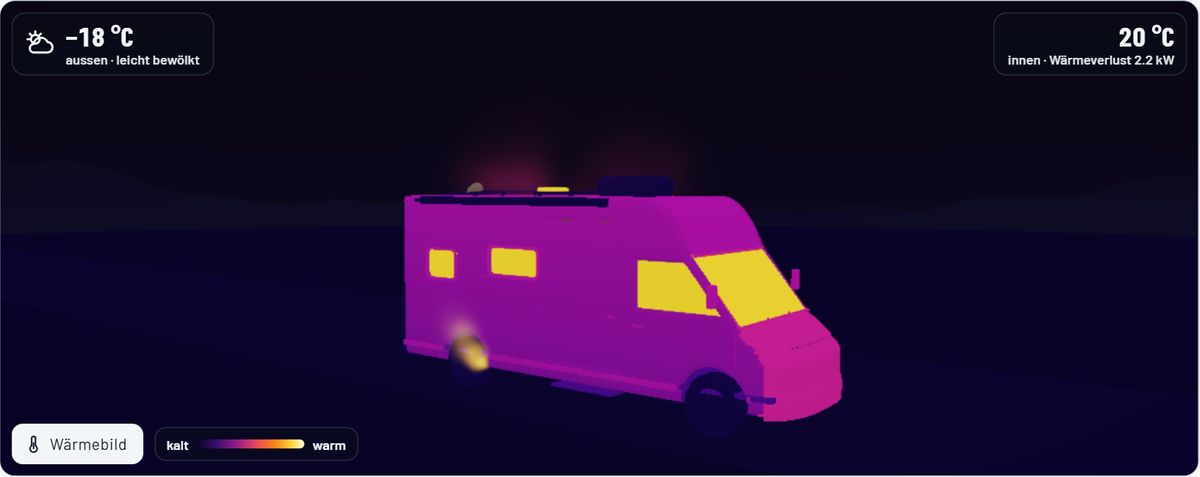
At minus 15 degrees, insulation and heating count. The thermal view shows where heat escapes.
04Alps
4 °CNew on board: solar and battery
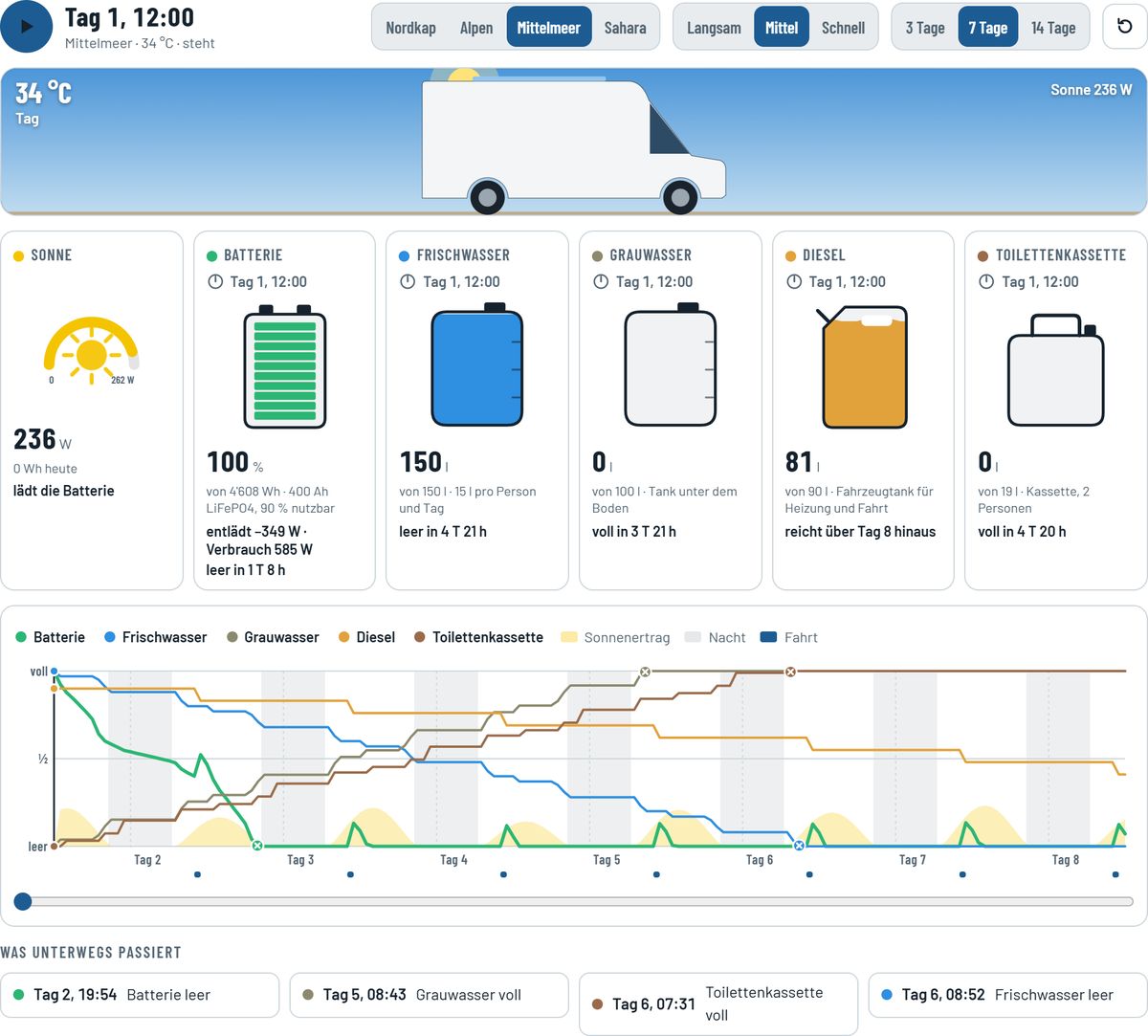
How long do power, water and gas last?
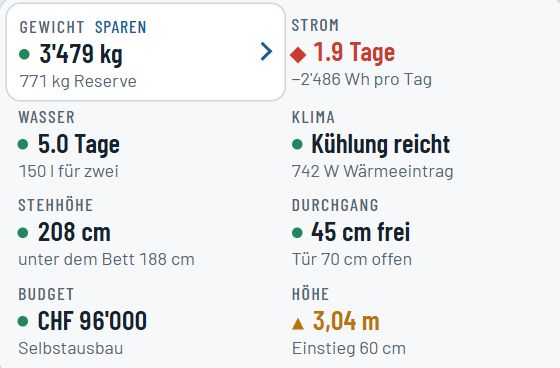
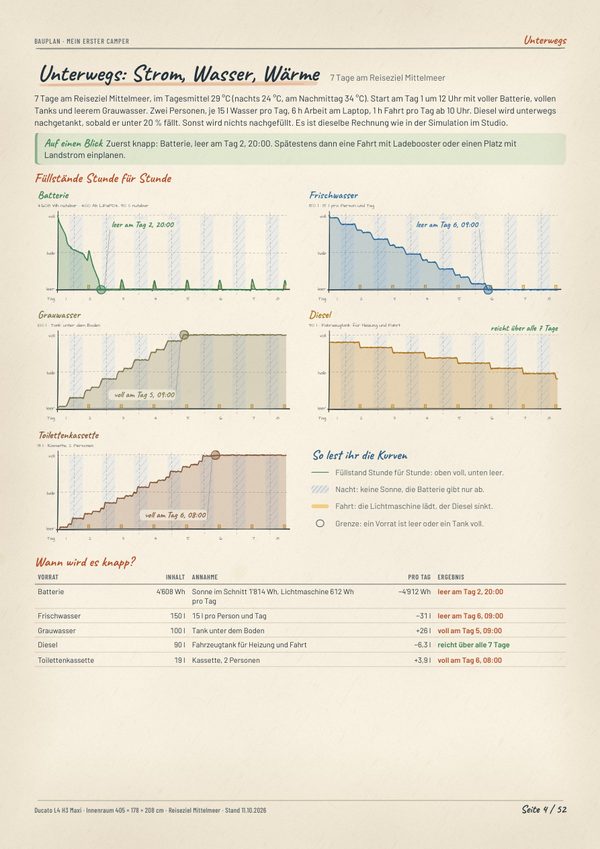
Battery, solar, water and gas hour by hour, over 3, 7 or 14 days. The simulation runs live right here.
05Mediterranean
29 °CNew on board: awning and outdoor shower
Living outdoors
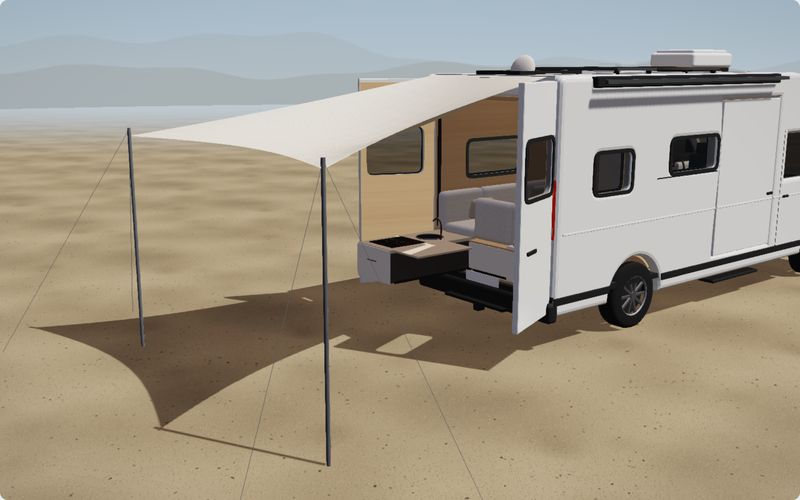
Rear kitchen, sun sail and outdoor shower. The studio counts every litre.
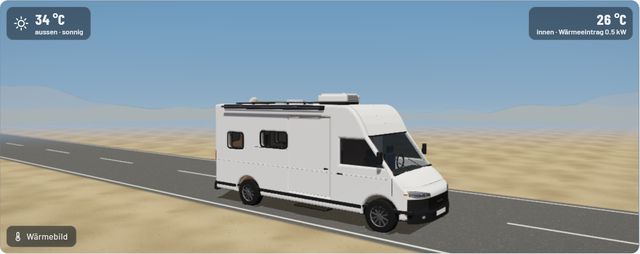
06Sahara
41 °CNew on board: air conditioning
Cooling, not heating
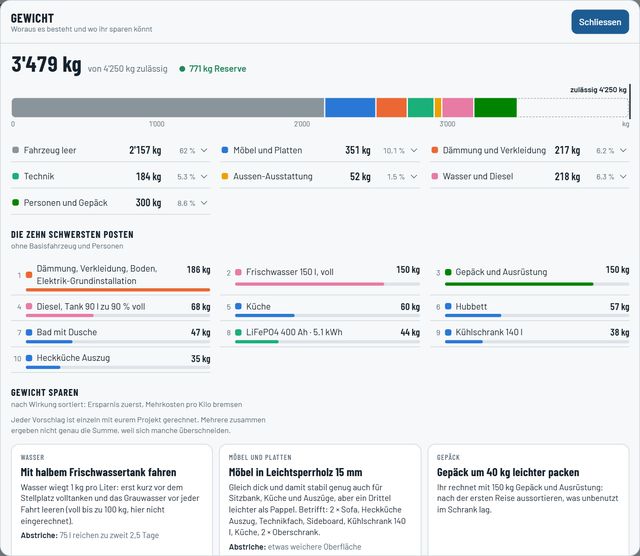
At 41 degrees, the studio calculates cooling. And it shows where you can save kilos.
07Finishing touches
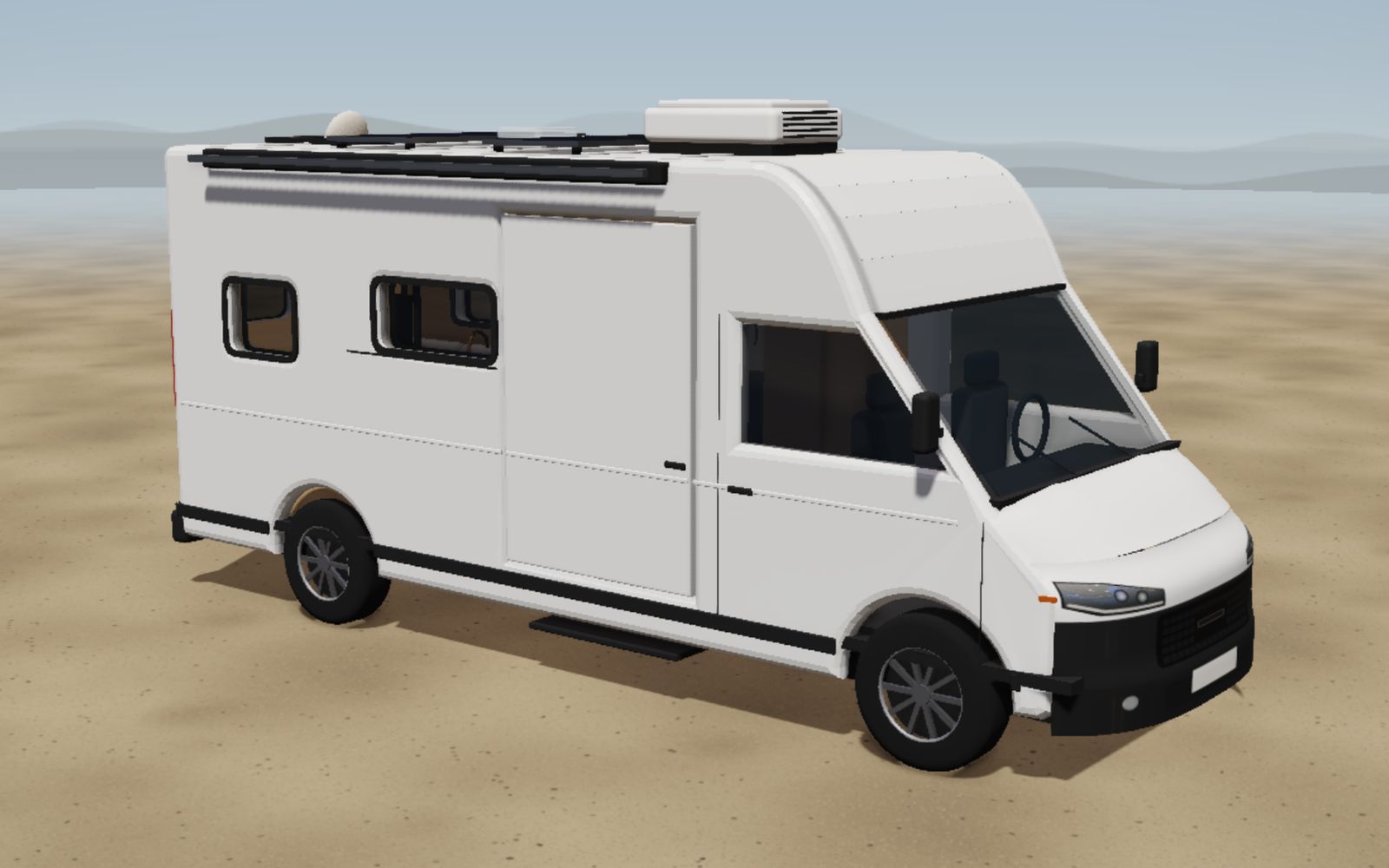
From plan to photo
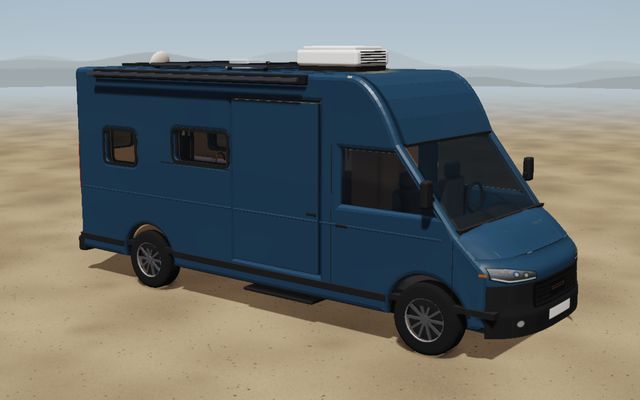
Drag the slider: the planning view on the left, the photo look on the right. Plus ten paint colours.
08Funbox
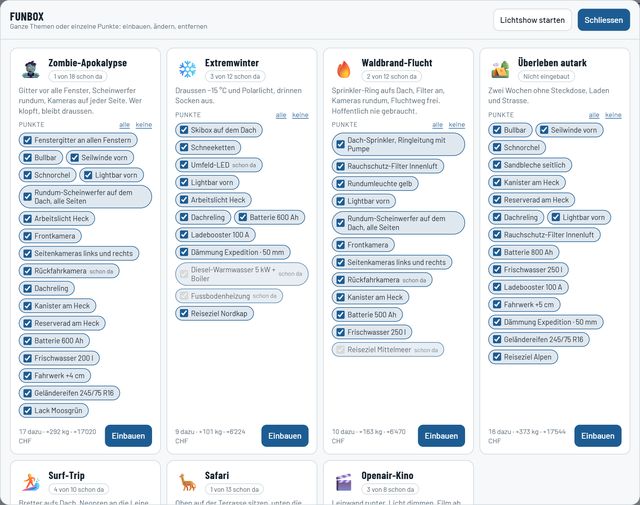
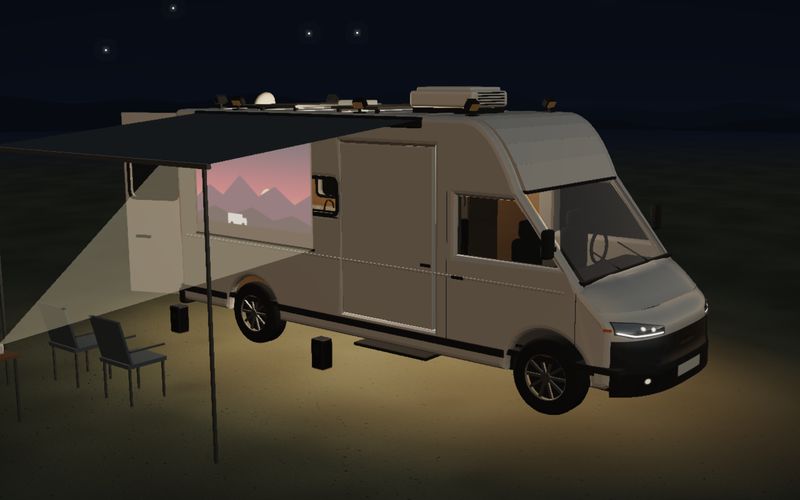
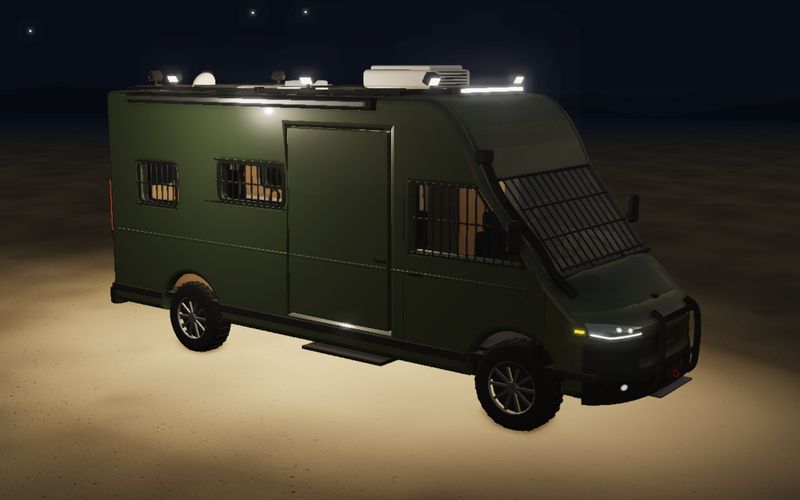
Whole themes in one click
Window grilles, spotlights, cameras, a lift kit: whole packs in one click, removable any time.
09Build plan and travel book
First the workshop, then the road
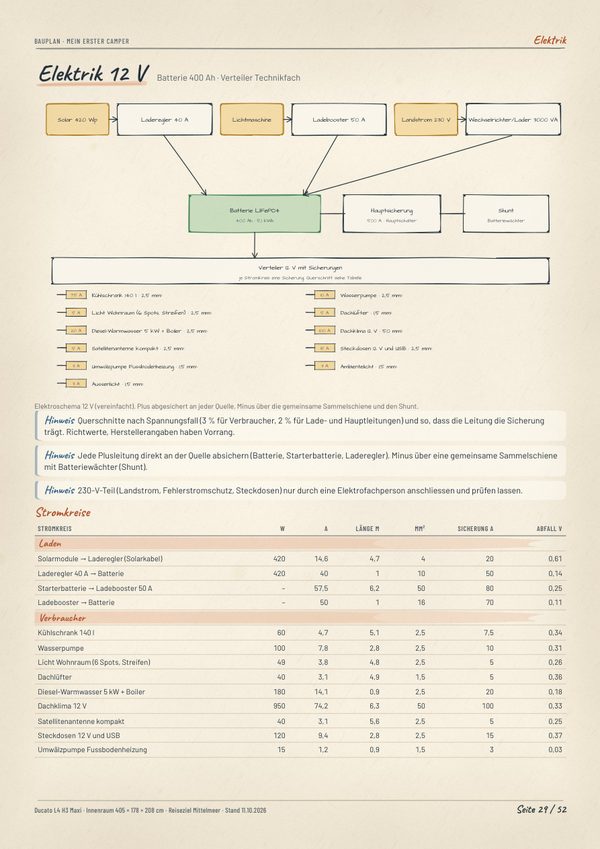
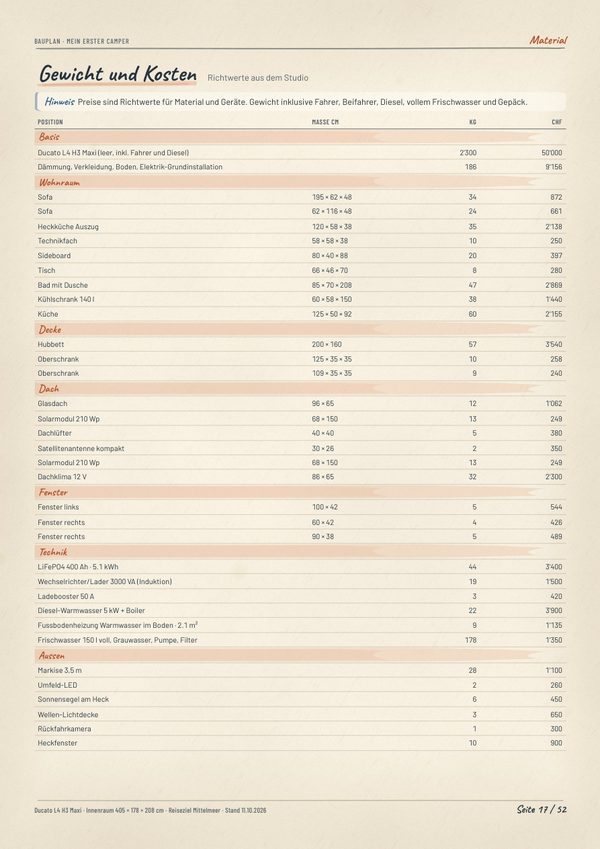
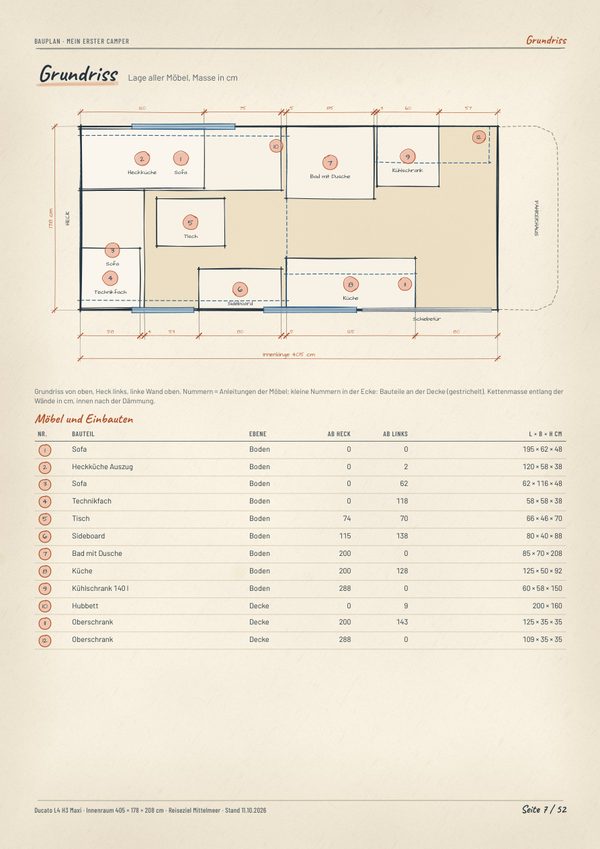
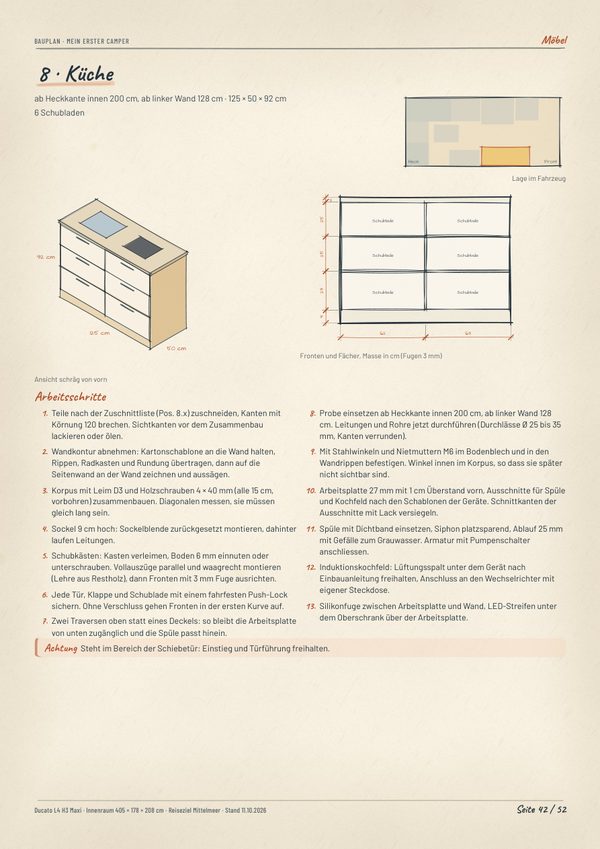
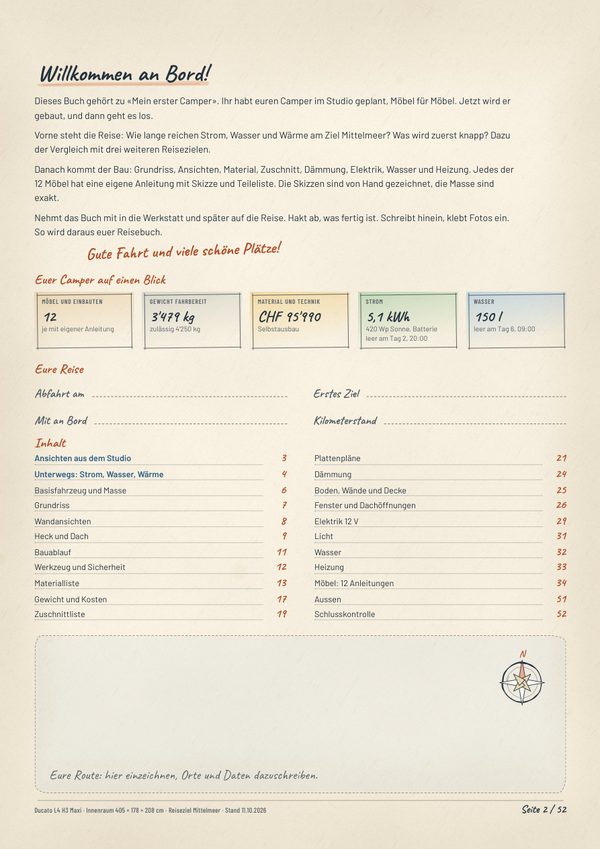
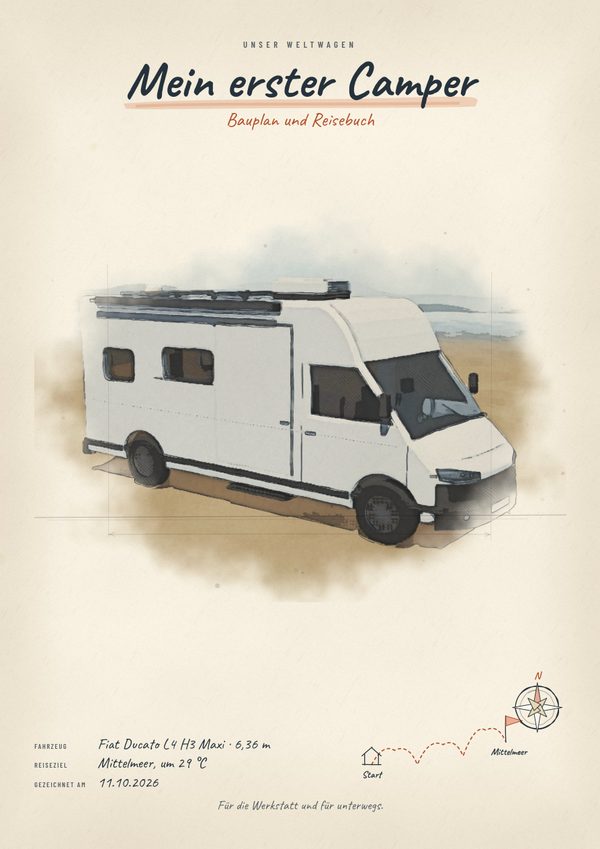
One click and the whole book is ready on A4: instructions for every piece of furniture with a sketch, dimensions and parts list.
The first pages are free, the whole book comes with Premium. Gas and 230 V belong in professional hands.
10Parts file · BIM
The model knows what’s built in
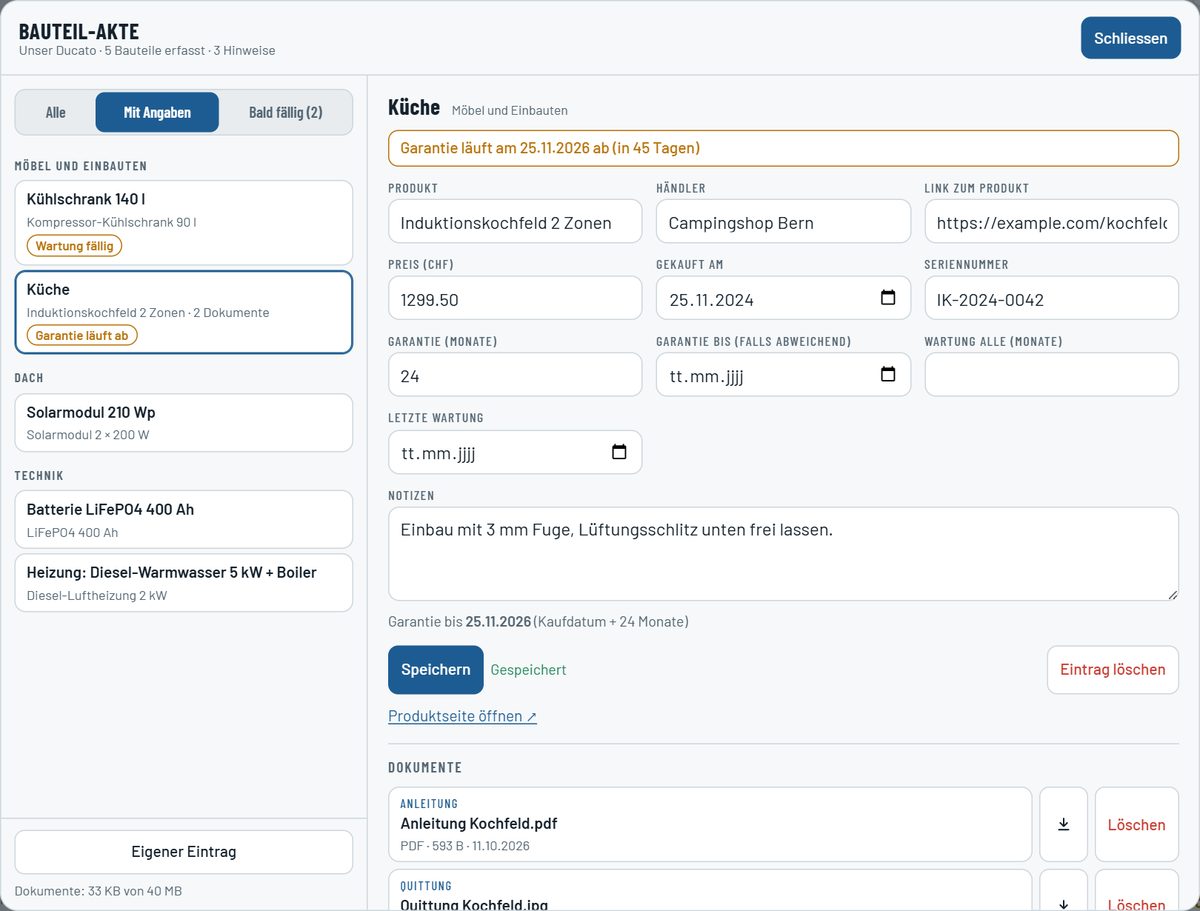
As with BIM in construction, the 3D model is more than a picture: every part carries its own data, from the serial number to the receipt.
- Reminds you in time before a warranty runs out or service is due.
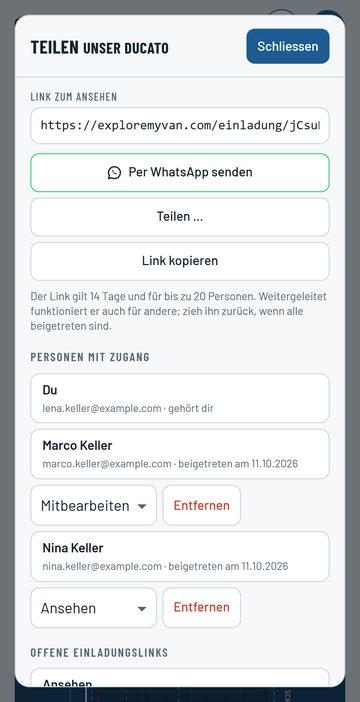
- Share with your family via WhatsApp: view or edit, everyone with their own account.
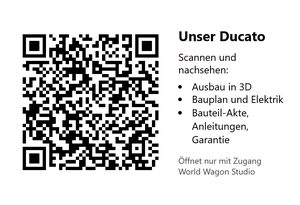
- QR code in the camper: one scan opens the build, plan and parts file, only with access.
- Like an app: choose “Add to Home Screen” in your browser.
The parts file comes with Premium. Sharing and the QR code are part of every plan.
11Destination
Prices
Planning is free. You pay once you build.
Basic
Freeno payment details
For planning and trying out
- Up to 3 projects
- Floor plan, 3D view and all add-ons
- Simulation of power, water and gas
- Weight, parts list and costs
- Build plan as a preview
- Share with family, QR code for the camper
For your build
Premium
CHF 150once per camper
For the camper you build
- The whole build plan as a PDF, ready to print
- Parts file: purchase link, price, warranty, manual and receipt for every part
- A reminder before a warranty runs out or service is due
- Stays unlocked, no subscription
- Also for everyone you invite
Subscription
CHF 50per month
For several campers
- Unlimited projects
- Premium for every camper
- Monthly, cancel with one month’s notice
- Campers you bought stay unlocked
Good to know
- Buy once or subscribe?
- For one camper, Premium once is enough. The subscription pays off if you plan several campers at a time, for example as a converter or rental company.
- And when the subscription ends?
- Projects and entries stay saved, campers bought individually stay unlocked. The others go back to Basic.
- How do I cancel?
- In the studio, at any time, with one month’s notice to the end of a billing period. Premium stays active until then.
- And shared campers?
- Premium belongs to the camper. Anyone invited sees the build plan and parts file too without buying, and the camper doesn’t count towards their own three projects.
Final prices in Swiss francs, paid with PayPal or Revolut. Read the terms
Have a good trip!Ready for your first floor plan?Basic is free, sign in with Google.
Open the studio